
Do you want to be notified if someone updates a particular person in FamilySearch, eg your grandfather?
Then click on the Following star for that person.
You will receive an email notification if there have been any changes to the people you follow. Follow the link provided in the email to see a list of those changes.
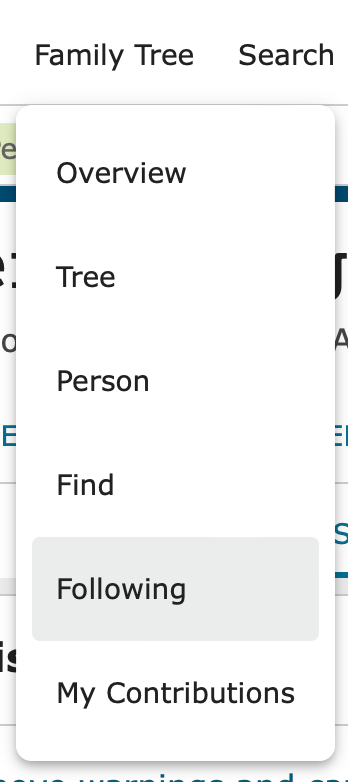
You can also choose Following from the Family Tree menu to view the list of changes at any time.
Options on the Following list
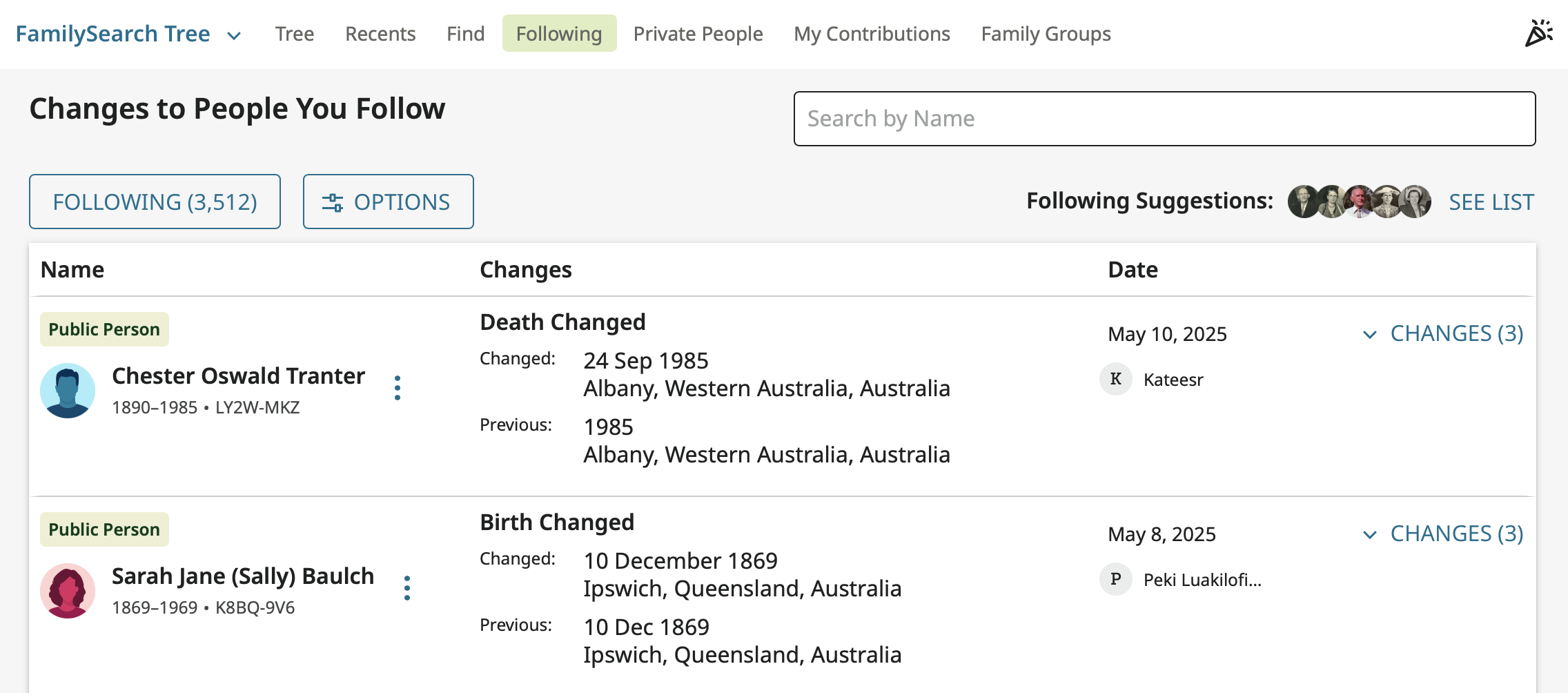
The Following list can be displayed in several different ways depending on the Options chosen.
Choose View By Person to see all changes for a person grouped together. Sort the list as it works best for you at the time.
The column at the right shows how many changes have been made. Click on the arrow to see all changes for a person if more than one.
Tip! Monitor changes to people you are following regularly. If someone makes an error, you can either correct it straight away or send a message to that person to discuss which information is correct.
 Pitman Families in Australia