

Sometimes it is easier to search than to navigate the tree.
Make sure you have signed in to FamilySearch.
Then choose either of the following (they go to the same page):
- Family Tree menu, Find
- Search menu, Family Tree
Enter as much as you know about the person. The more you can correctly enter, the more likely you are to find the person first time.
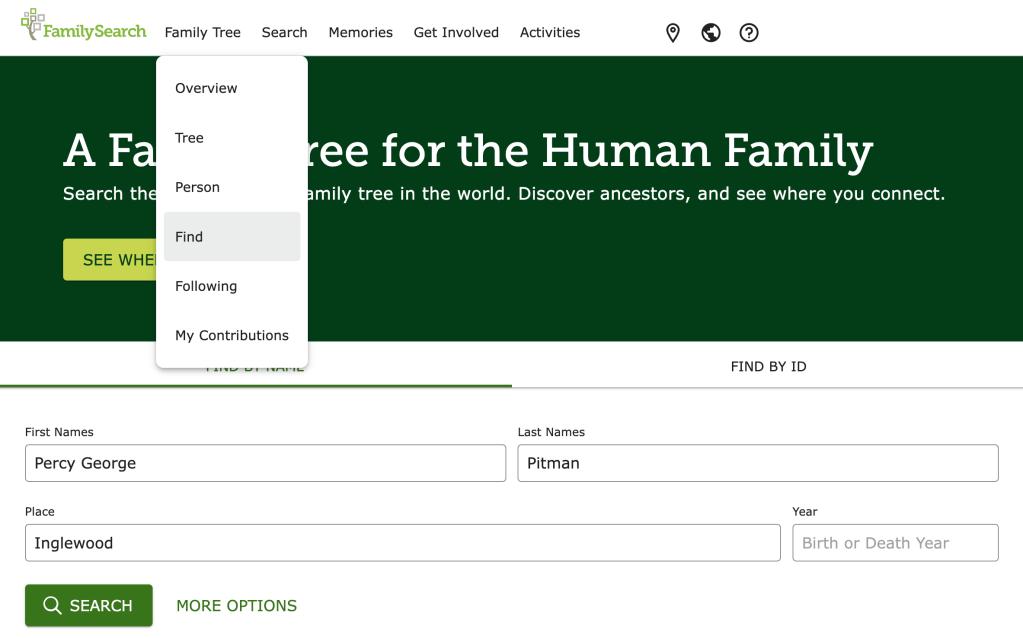
Click on More Options to narrow down the search further, eg adding the first name of the person’s partner can help to find them first time. Or just click Search and see if you can find the person you are looking for.
Tip! After you click Search you can still add more search criteria to try to narrow down the results.
 Pitman Families in Australia