There are two main ways to see information in FamilySearch, View Person or View Tree.
To view the family tree with a particular person central to the tree, click on the View Tree button on their page.

How the tree is displayed will depend on the settings you last used when viewing trees. The example below uses the Portrait option.

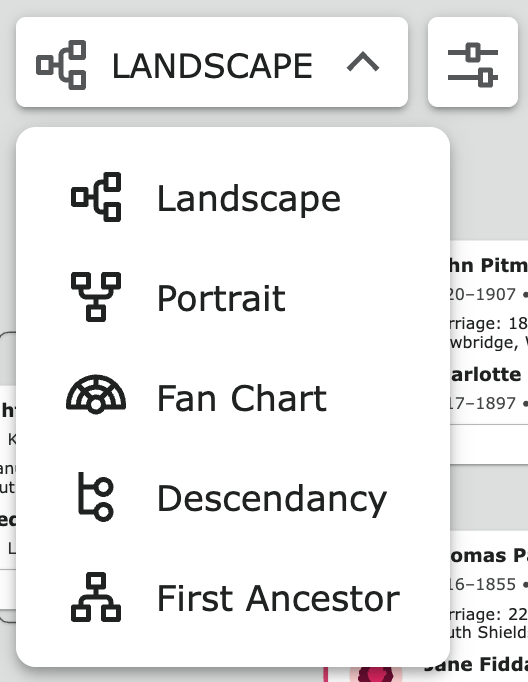
Experiment with the different formats and controls to see the different ways the tree can be displayed.
You will probably have a preferred tree display, although choosing others from time to time can help with seeing the information from another perspective.

To view the details of another person on the tree, click on their name and choose Person in the sidebar.
Tip! There are other ways to get to the Tree, eg go to the Family Tree menu at the top of the page, and choose Tree from the dropdown.
 Pitman Families in Australia