

To get started with your own account, click the Create Account button on a FamilySearch page.
You can create a new FamilySearch username and password or, if preferred, connect using your existing Facebook, Google or Apple accounts.
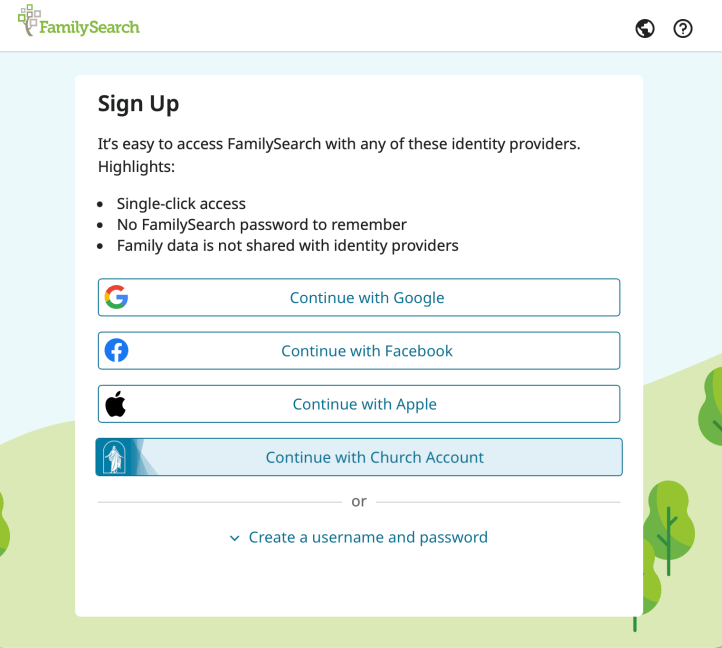
Then use the sign in link and log in.
Depending on how you created your account the next steps may vary, but the goal is to get yourself linked into the tree.
Tip! Be prepared with full details of names, dates of birth and dates of death for your parents and grandparents.
Add your parents and, if needed, grandparents
Start by adding the full details of your mother and father.
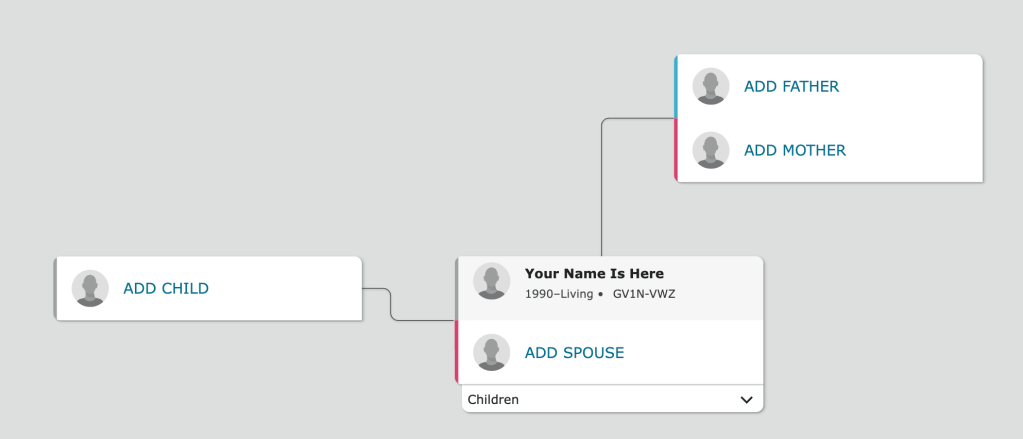
Details of a living person will be recorded straight away.
For a deceased person, FamilySearch will try to match them with existing records and therefore link you into the tree. If the correct person is found, click on Add Match. If not, you will need to Create Person.
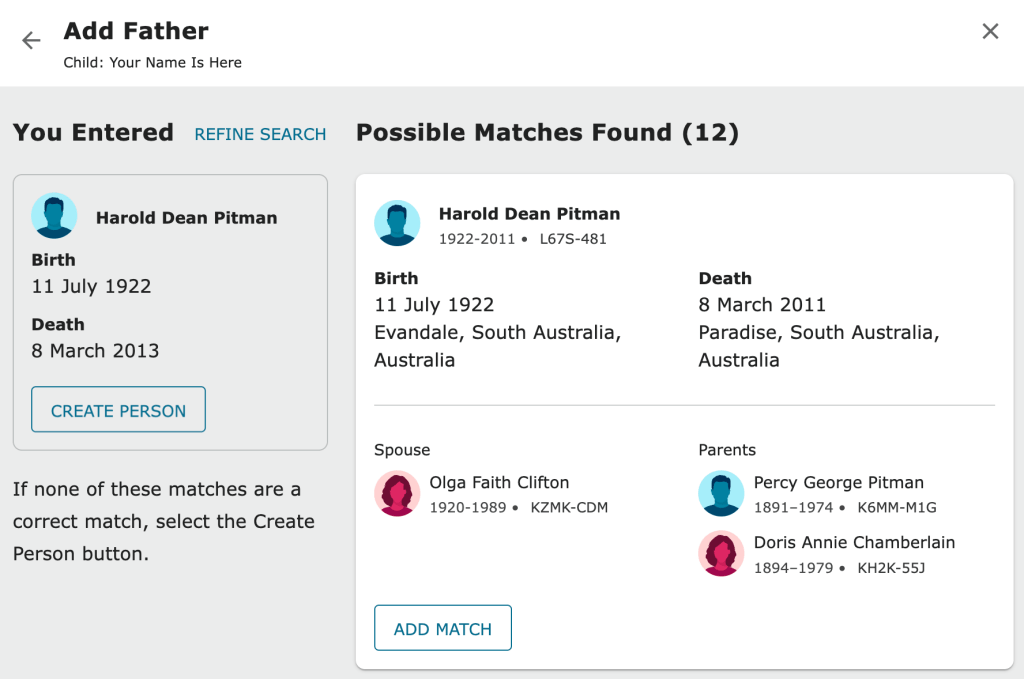
Keep adding parents or grandparents until you successfully connect into the tree. In the example above, by choosing Add Match the ‘Your Name is Here’ person has been linked to an existing record and therefore into the tree.
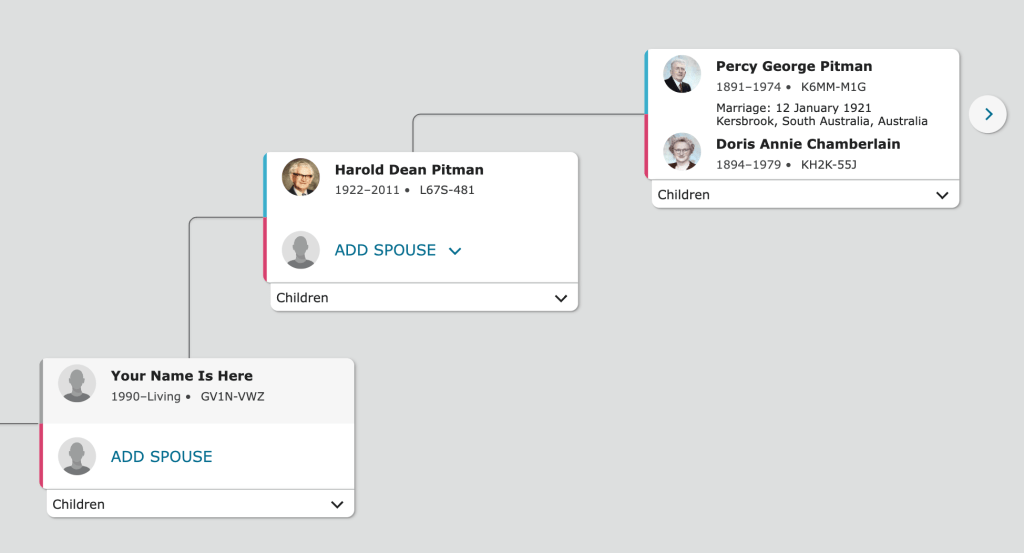
At this time it is recommended that you only add the living people needed to create a link between you and the tree. This is normally your parents and possibly grandparents.
Tip! You don’t need to add people all at once. You can add more at a later time when you are interested in exploring that branch of your family.
 Pitman Families in Australia