
Photos and documents can be added to one or several people in FamilySearch.
Choose photos or documents that represent key stages of the person’s life and will honour their memory.
Sign in to FamilySearch and find the person either by navigating through the tree or searching for them.
Click on the Memories button.
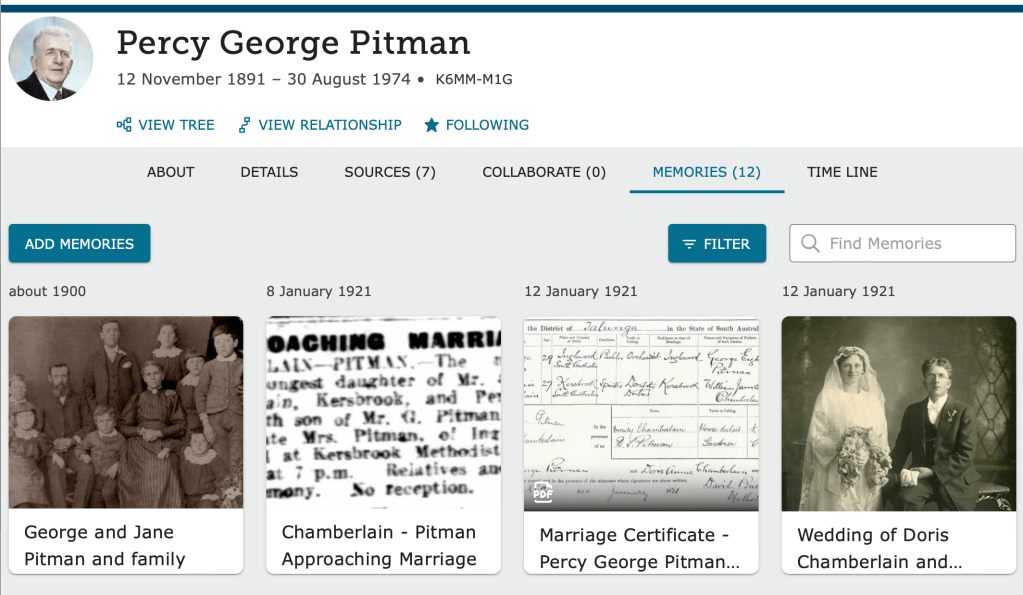
For this example, a photo of Percy from the 1st World War will be added to the Memories.
Click the Add Memories button and choose the Add Photo or Document option.
Drag and drop images here to upload or Select Files from your device.
Select Your Device to choose a photo or document to be uploaded. If you have previously added the photo in your Gallery, choose Add From Gallery.
Complete the requested details as fully as you can:
- Title – a short description that will appear wherever the photo is displayed
- Description – more details that can be viewed when needed and a good place to acknowledge the source of the photo
- Place – where the photo was taken, if known
- Date – when the photo was taken, if known
Click on the face of the person to tag them in the photo.
Tip: You are the only person who can change the title, date, place and description of your photo. Other FamilySearch contributors can view the photo but can’t change these details.
 Pitman Families in Australia