Do you have a short story that could be added to FamilySearch?
Suitable examples might include:
- Text from a newspaper article, eg description of a wedding, obituary etc
- Relevant extract from a book
- Excerpts from a biography or eulogy
- Excerpts from something the person wrote about themselves
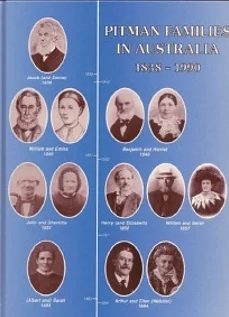
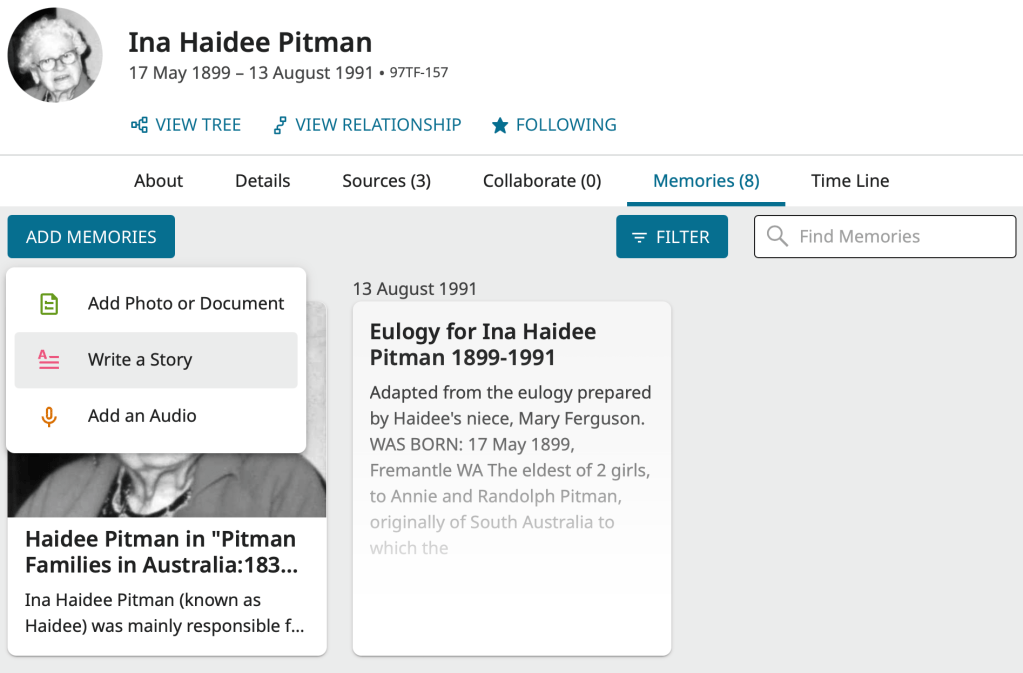
In the example below, two stories have been recorded for Haidee Pitman. One is her eulogy, prepared by a close family member, and the other an extract from Pitman Families in Australia:1838-1990. Both were used with permission.
Create a new story
Sign in to FamilySearch and find the person either by navigating through the tree or searching for them.
- Click on the Memories button
- Click on Add Memories and choose Write a Story from the drop down list
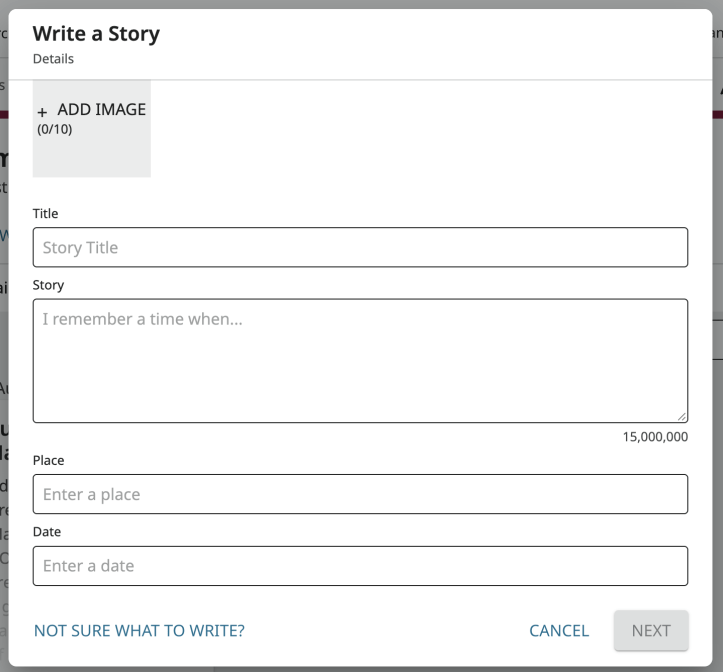
- Give the story a meaningful Title
- Type or paste the text of the story, including source details where relevant
- Record the Place and Date relevant to the story, if known
- Optionally link the story to one or more relevant photos
- Click NEXT
- Choose whether to Make Public or Make Private
- Click DONE
Tip! If there are large blocks of text, add extra paragraph breaks to create white space and help make the text more readable.
Tip! When pasting text check to make sure that the word wrap is still working. If not, the text won’t display well on a small device such as a phone or tablet. Try to fix this by changing the page width so it is easier to see where the text isn’t wrapping properly.
Tip! Be careful to check for and correct errors as the story is yours and only you can do the corrections. Note that you can come back later and make corrections or updates to the story if needed.
A story can be linked to more than one person if applicable.
 Pitman Families in Australia