Once photos have been added to a person, one can be chosen to be their portrait photo. This photo will appear everywhere the person is displayed.

Sign in to FamilySearch and find the person either by navigating through the tree or searching for them.
To set the portrait photo:
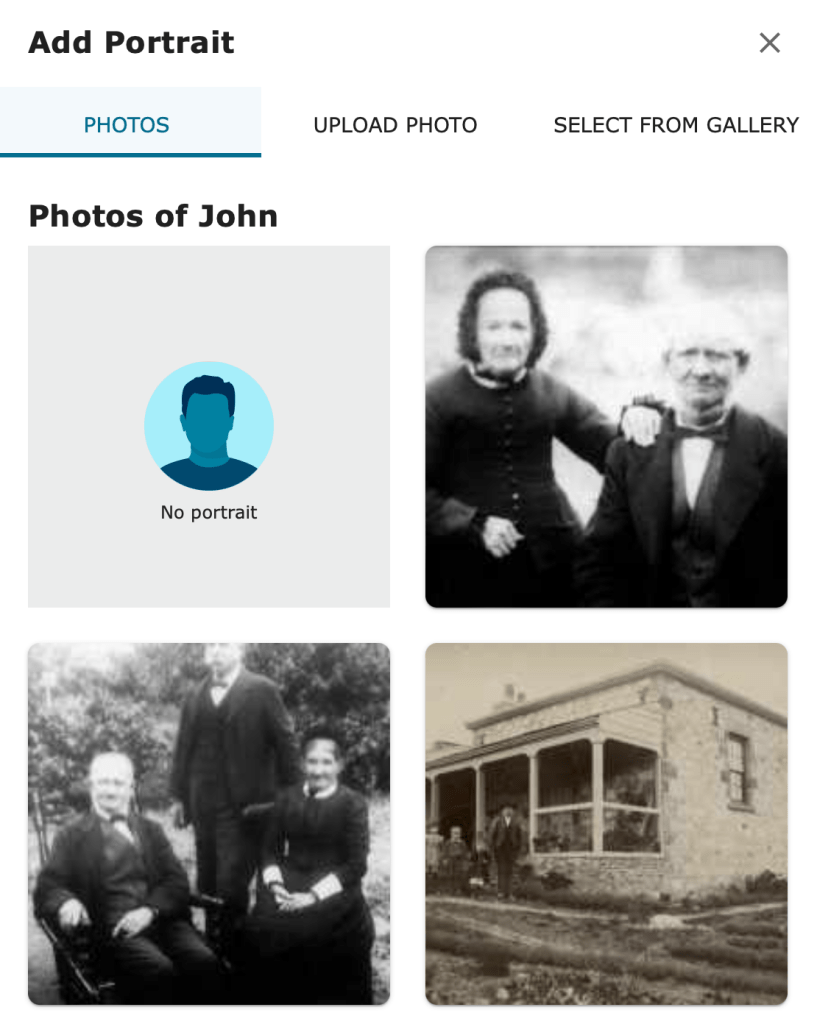
- Click on the empty portrait photo circle.
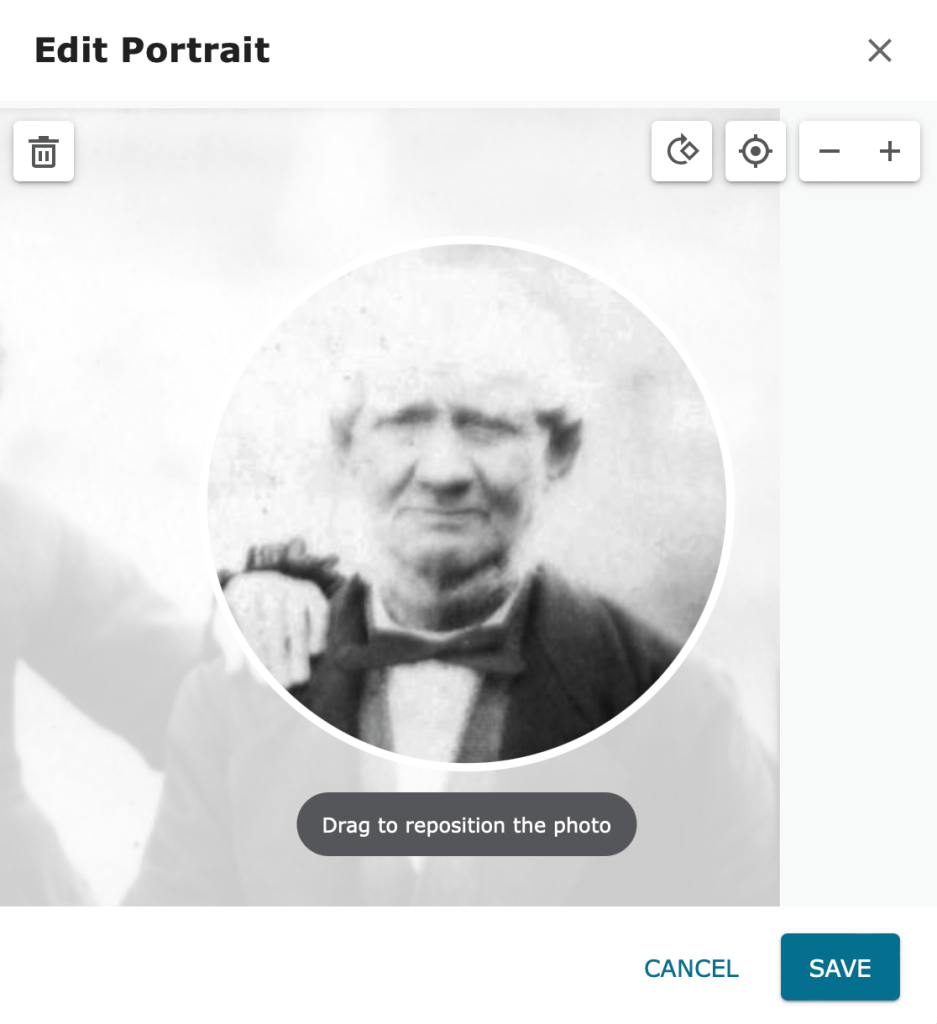
- Choose the photo that would make the most suitable portrait photo. It’s OK if there are several people in the photo. You will be able to pick out the relevant face from the photo for the portrait.
- Adjust the size and position of the photo for a good fit.
- Click Save.
Note that a portrait photo can also be uploaded or selected from your Gallery.
If a more suitable photo becomes available, click on the portrait photo and choose the more suitable photo.
To remove a portrait photo, click on it and select No portrait.
Tip: You can set a portrait photo using your own photo or one that someone else has contributed.
 Pitman Families in Australia