
There are times when it is helpful to link a photo and a story together, eg
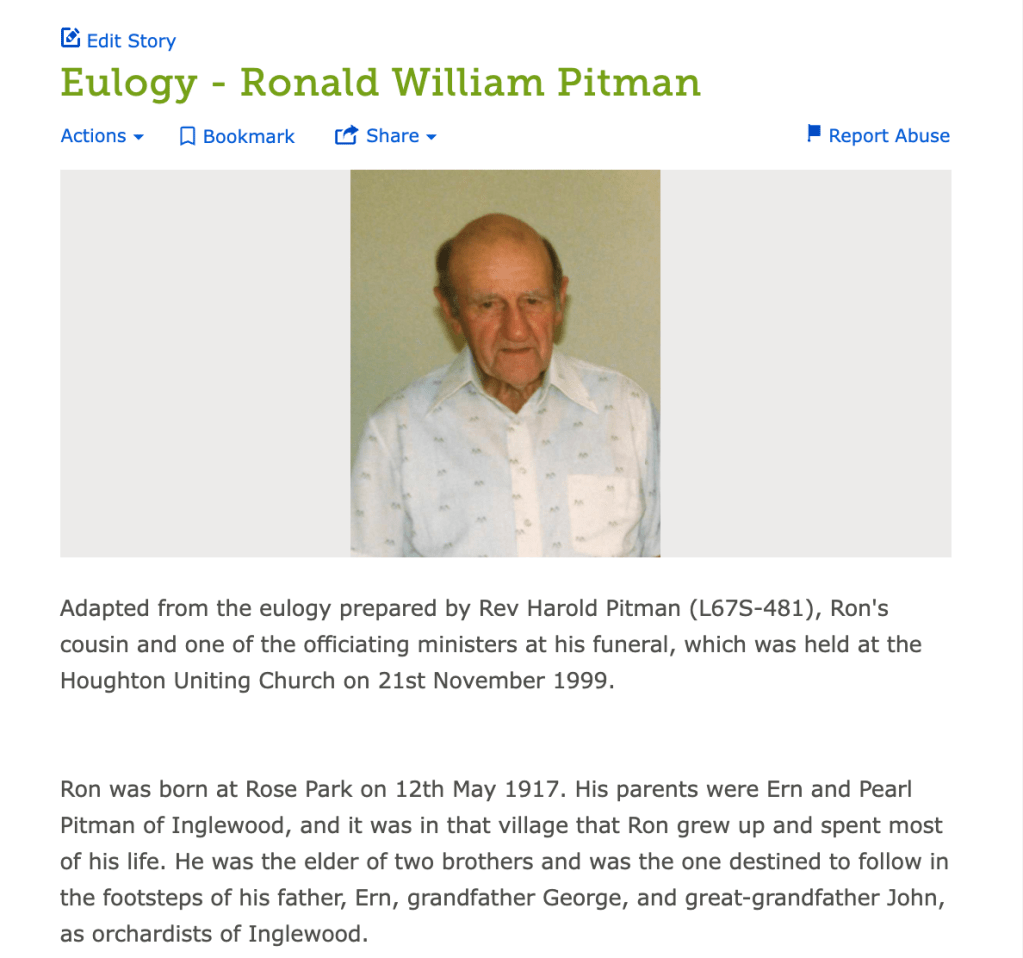
Link a suitable photo to a eulogy story

Link a screenshot of a newspaper article to the transcribed text of the article
Add a new or existing photo to your story
Sign in to FamilySearch and find the person either by navigating through the tree or searching for them.
- Find the Story on the Memories page for the person
- Select Edit
- Select Add Image
- Choose one or more photos from your Gallery
- Select Import
- The photo or photos will appear at the top of the story
- Select Submit
Tip! After adding a story or uploading a photo, go to the Memories page for the person, choose that photo or story and select Edit to add further details, eg add a Title, Date, Place and Description for the photo, if known.
 Pitman Families in Australia