
View all your memories in the gallery
Sign in to FamilySearch. At the top of the screen click on the Memories menu and choose Gallery.
All the Memories that you have added into FamilySearch will appear together in the gallery.
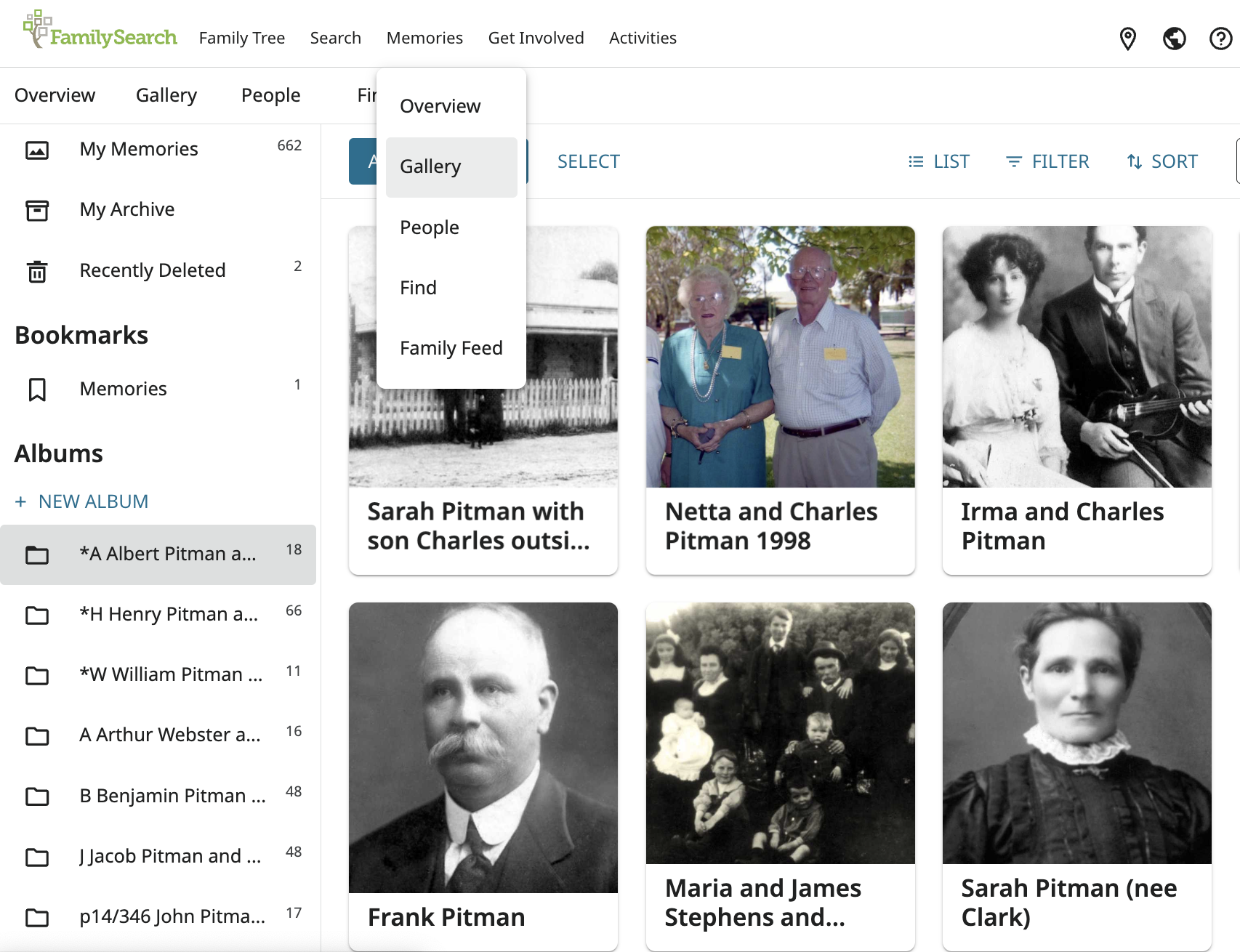
Explore the options to
- view just photos, documents, stories or audio
- use the Filter option to help find any that have no titles or no tags
- view as Grid or as a List
- search your memories
- create a New Album to help organise your memories
Add photos and documents to your gallery
Photos and documents can be added directly into your Gallery. This can be a useful option if you have a large number of photos to upload.
Once uploaded, you can add titles, dates and places directly in the Gallery, or click on the individual memory to add more details.
 Pitman Families in Australia