
The Brief Life History is a summary of a person’s life, bringing together the information in the data fields and in the memories.
It should focus on the narrative of the story more than detailed dates (birth, death, marriage etc) that are recorded elsewhere on the Details tab.
Note that the Brief Life History can be updated and improved by anyone using FamilySearch.
View the Brief Life History
Find the person either by navigating through the tree or searching for them.
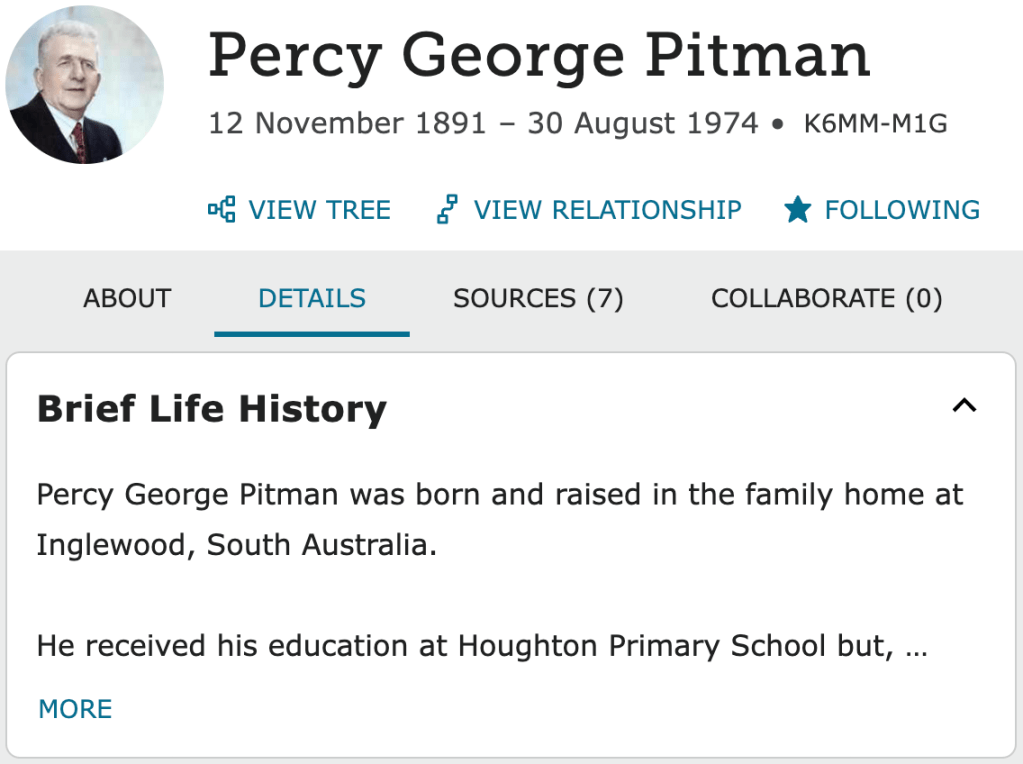
Click on the Details tab.
The Brief Life Summary will appear as one of the sections of the page.
Exactly where it appears depends on your settings. In this example it is at the top of the page.
Not everyone has a Brief Life History and it takes a bit of effort to write a good one, but it is worth it.
The stories published in Pitman Families in Australia:1838-1990 all appear in the relevant Brief Life History, in some cases updated with new information learned since publication.
Write a Brief Life History
If there is no existing Brief Life History, click on Add Brief Life History. Type or copy and paste text for the history. A short eulogy or similar is often a good starting point for the Brief Life History.
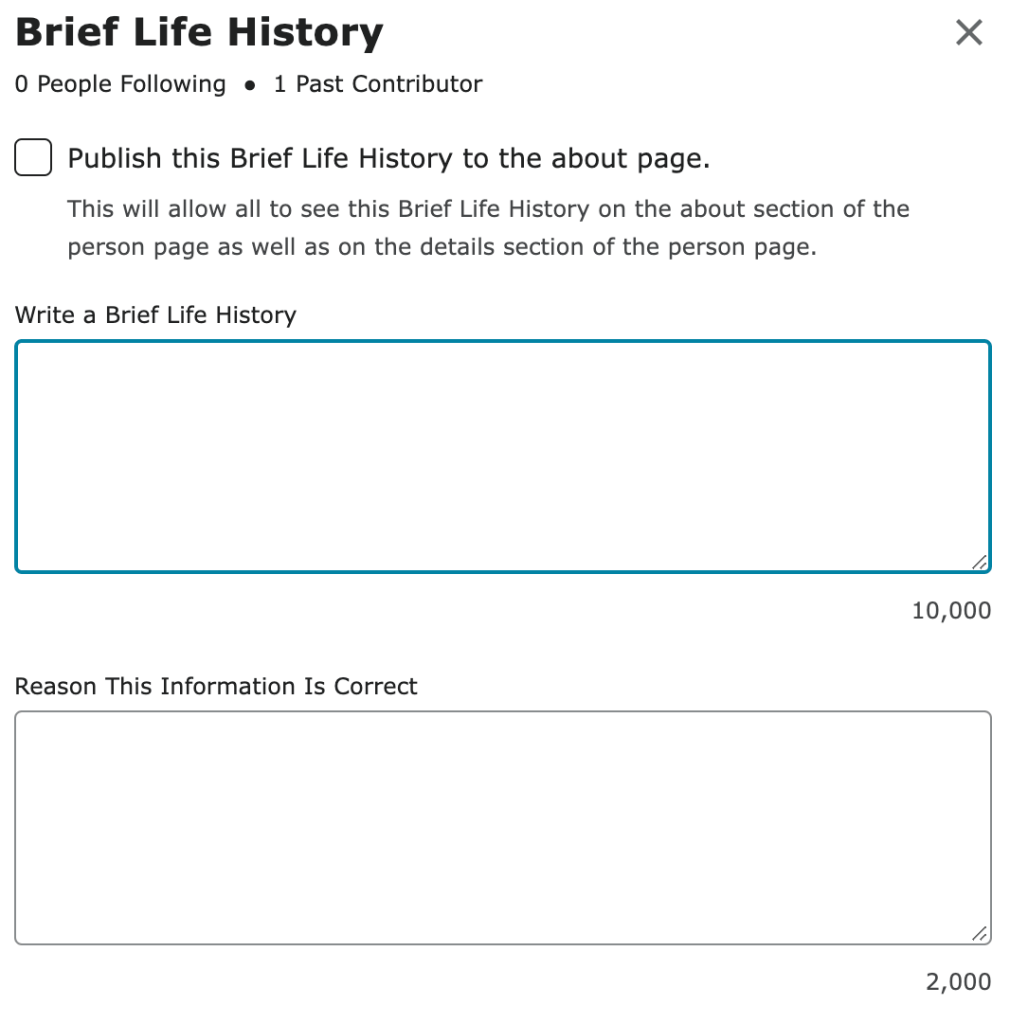
Otherwise, start by writing a couple of paragraphs or a few dot points about the person, suitable for expanding as further information becomes available.
Where possible, weave together information from multiple sources.
When finished, click Save.
You can come back and improve the Brief Life History at any time.
Go the the Brief Life History section, click More to see the full Life History, then Edit. Add a comment in the Reason box to explain your changes.
Tip! The Brief Life History can record 10,000 characters or about 2000 words, so you shouldn’t run out of space.
Tip! Anyone who uses FamilySearch can change what you have entered, so consider monitoring any changes.
Tip! Try to acknowledge any sources for the story, eg newspaper articles.
When to tick the box?
If the Brief Life History is a clear and comprehensive summary for the person, you might consider ticking the Publish this Brief Life History to the about page option.
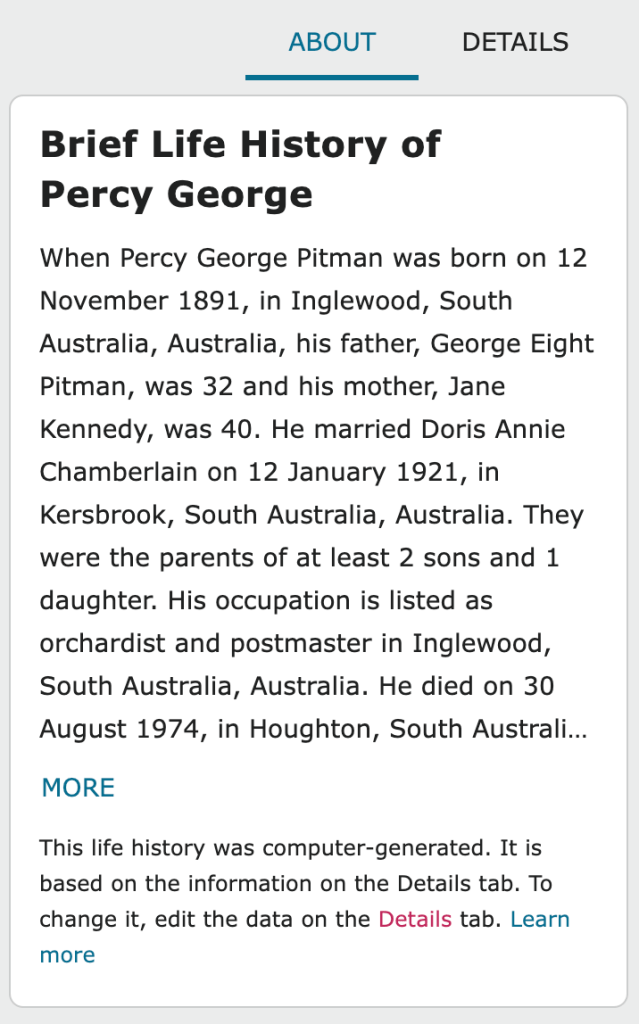
Before you do, have a look at the About page.
There is a computer-generated Brief Life History on the About page. This summary is derived from the details that have been recorded about the person.
Only tick the Publish box if the Brief Life History is more informative than the computer-generated version.
 Pitman Families in Australia